
Unenroll from eBilling on MyLeeCountyNC
If you no longer wish to receive your tax bills through electronic billing you can unenroll through your MyLeeCountyNC profile. Follow the steps below to get started:
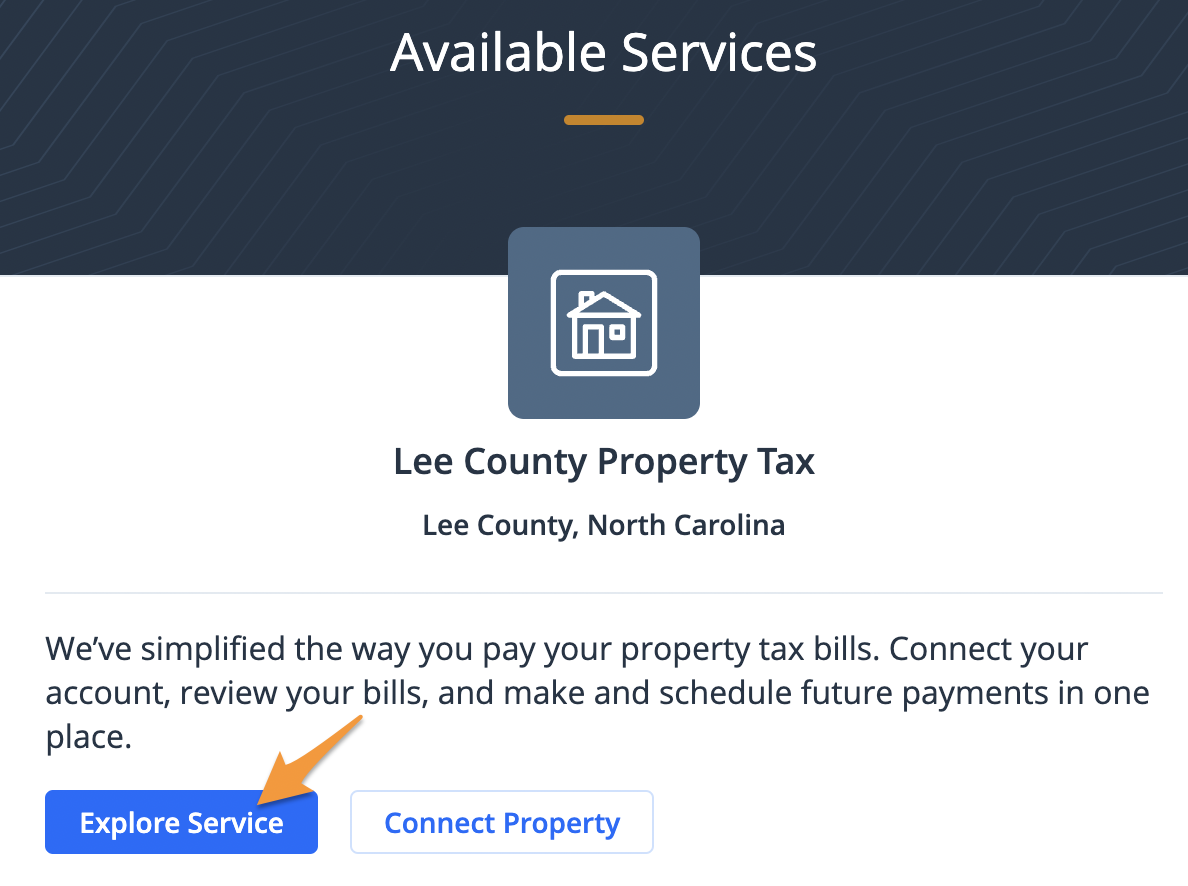
- Sign in to your MyLeeCountyNC profile and click Explore Service under "Lee County Property Tax"
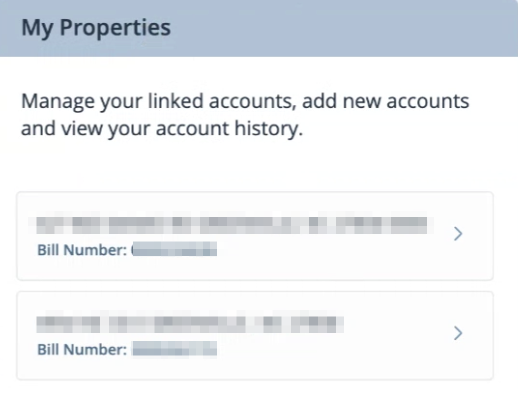
- Towards the right of the screen see, "My Properties" and select the property you wish to unenroll
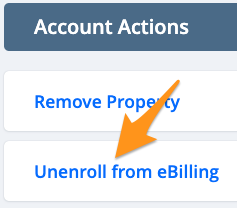
- Under "Account Actions" click Unenroll from eBilling
- Click Accept

You are now unenrolled from eBilling and paper bills will be sent to the address on file with the county. To re-enroll, see Enroll in eBilling on MyLeeCountyNC.